
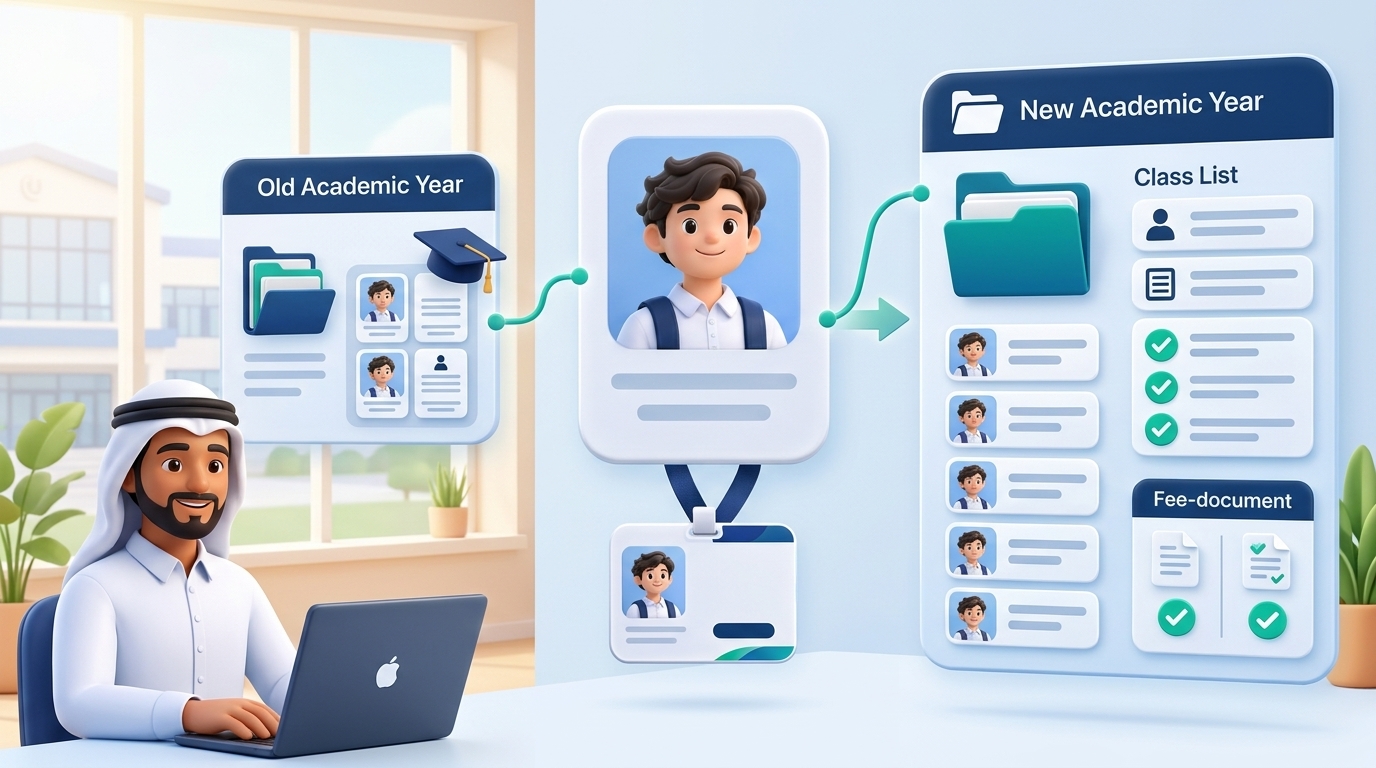
How to Roll Over Student Records with an Education ID System Before a new school year begins, school staff need to confirm returning students, assign them to grades and classes, and review exceptions such as transfers and repeated grades. Creating a new profile for a returning student can split their history across two records. Updating their current grade without preserving the previous enrollment can make historical reports harder to interpret.
An Education ID System helps schools connect each year’s enrollment to the same student profile. The student keeps a consistent identifier, while their grade, class, and enrollment status are recorded for the relevant academic year. Student Profiles and Annual Enrollment A student profile identifies the student within the school management system. An annual enrollment record captures where that student was placed and their enrollment status for a specific year.
Consider a student moving from Grade 7, Section A, to Grade 8, Section B. The school can link the Grade 8 enrollment to the existing profile. The previous year’s reports can still show the student in Grade 7, Section A.
- Confirm Enrollment Status Before Rollover Review the current student list and identify who is returning, repeating a grade, transferring out, or waiting to confirm enrollment. Resolve exceptions before approving new class lists, especially if your school rolls over records in bulk.
This gives the student affairs team a clear basis for class placement and helps keep students who have transferred out off active class lists for the new year. 2. Set Up New Classes and Use Existing Profiles Create the grades and sections for the new academic year and review proposed class assignments. Link each new enrollment to the student’s existing profile. If a former student returns after a gap, look for their original profile before creating a new one.
A stable student identifier helps staff distinguish between students with similar names. Read more about finding the correct profile in our guide to student IDs and QR codes. 3. Keep Fees Traceable to the Correct Academic Year Review new fees and any outstanding balances under the school’s accounting procedures. If a student still owes JOD 150 from the previous year and has JOD 1,200 in new fees, the accounts team should be able to explain which year each charge belongs to and when it is due.
Clear records make family statements easier to explain and overdue installments easier to identify. See our guide to tracking school installments and overdue payments for the difference between an outstanding balance and an overdue amount. 4. Validate a Sample Before Finalizing Class Lists Test a few representative records, including a student progressing to the next grade, one repeating a grade, and one returning after a gap. Check each student’s new placement, previous enrollment, and fee records. Then compare the new class totals with the confirmed list of returning students.
Assign responsibility for reviewing the rollover and approving corrections. Where the system logs these actions, use that record to review changes. Our guide to staff permissions and audit logs explains how to define these responsibilities.
Book a school management system demo to discuss how your school prepares for a new academic year and manages student rollover.